Looking for an AutoCAD Alternative That Works with DWG and Feels Familiar?
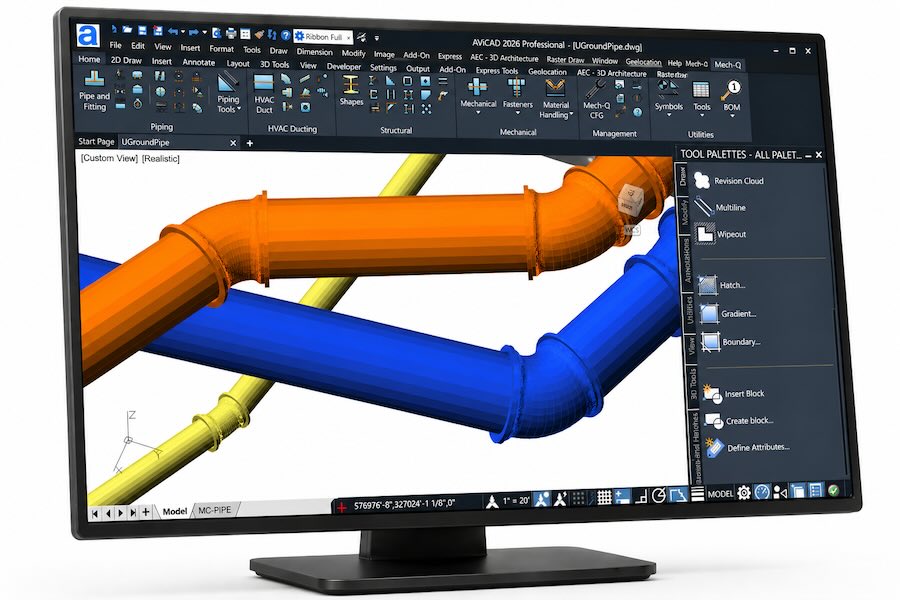
AViCAD is a DWG-based CAD software designed as a practical AutoCAD alternative — giving you familiar commands, full file compatibility, and a workflow that just works.
Open, edit, and save DWG files without conversion. AViCAD works as a true AutoCAD alternative using native DWG format.
Familiar Command
Environment
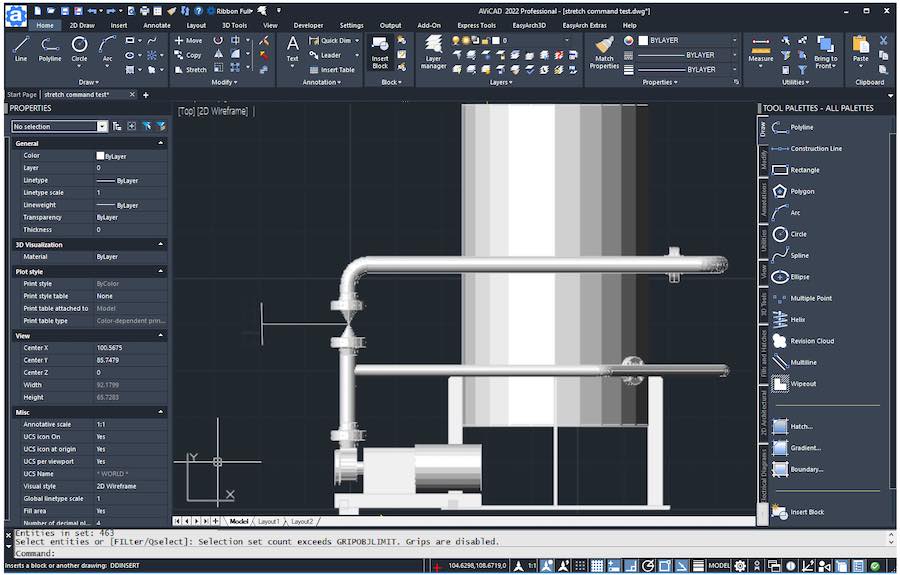
Work using standard AutoCAD-style commands, aliases, and workflows — no need to relearn CAD.
2D Drafting & 3D Modeling
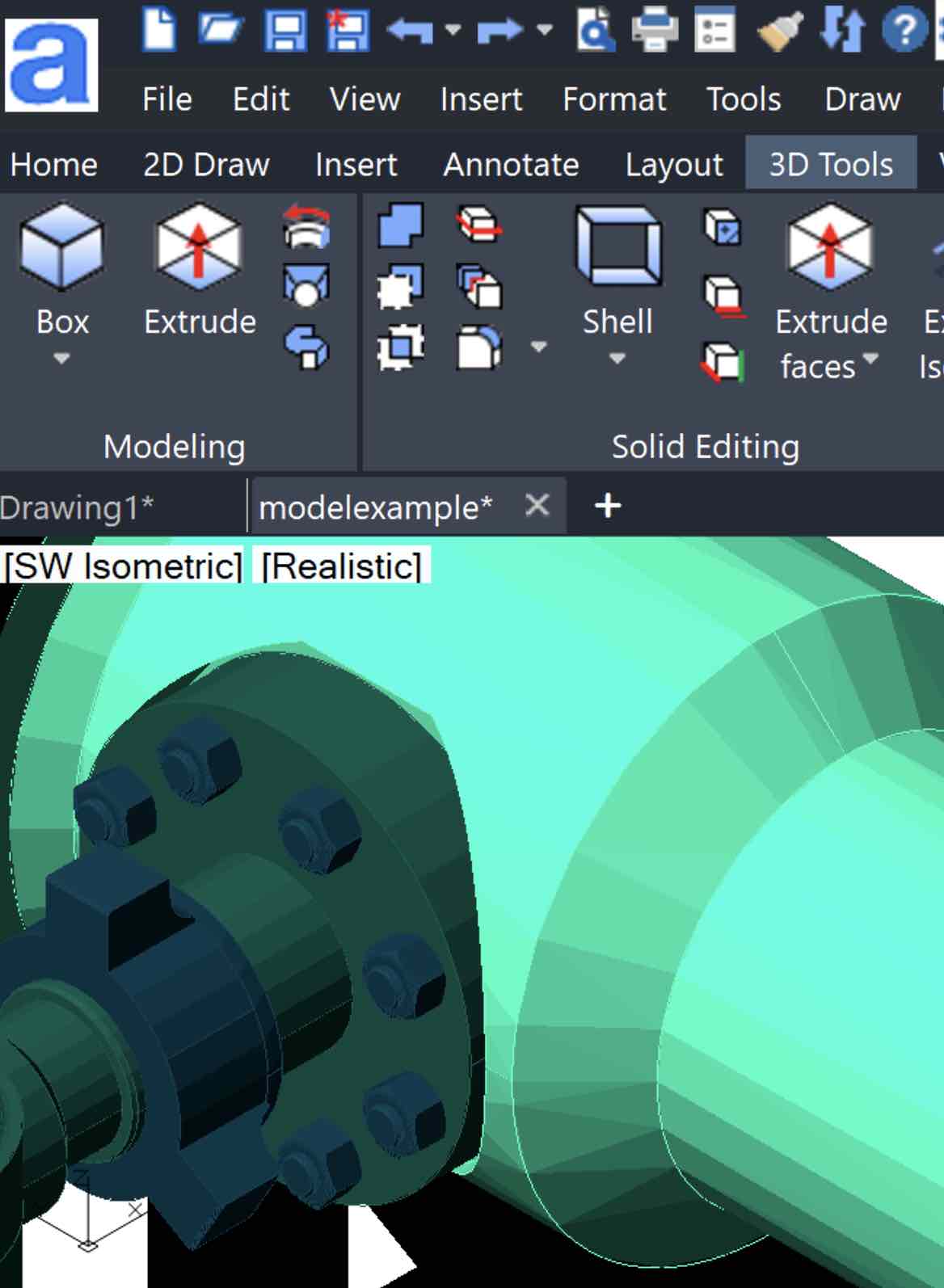
Create accurate 2D drawings and detailed 3D models using familiar CAD tools.
Affordable Perpetual License
Own your CAD software with a one-time license. No required monthly subscription and no ongoing access fees.
REAL-WORLD CAD WORKFLOWS
See how professionals use
AVICAD in real projects
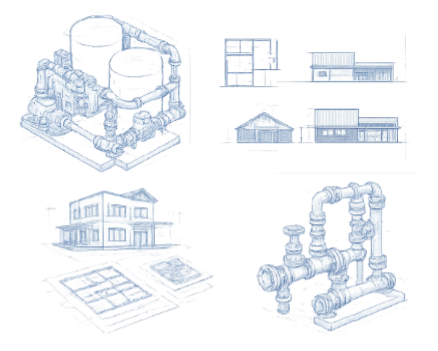
From tight deadlines to complex designs, AViCAD helps engineers, designers, and small teams get the job done-without the cost and complexity of traditional CAD.
Ideal for engineers, architects, and designers looking for a reliable AutoCAD alternative without subscription costs.
AViCAD is built for engineers working with DWG-based projects, architects using AEC tools for building design, designers switching from AutoCAD, and anyone looking for CAD software without subscription lock-in.
AViCAD gives users a familiar CAD experience without the high subscription cost. You can open existing DWG files, use standard commands, create layouts, plot drawings, and continue working with your current process.
AViCAD is a good fit for engineers, designers, drafters, contractors, and small businesses that need reliable CAD tools without expensive subscription pricing.
AViCAD includes the essential tools needed for everyday CAD work, including 2D drafting, 3D modeling, annotation, dimensioning, layouts, plotting, blocks, layers, and DWG file support.
Engineers choose AViCAD because it combines familiar commands, professional drafting tools, DWG compatibility, and long-term cost savings in one complete CAD package.
If you want CAD software that works with your existing drawings and feels familiar from day one, AViCAD gives you a practical way to keep drafting without subscription lock-in.
AViCAD is not just another CAD program; it's a powerful AutoCAD substitute offering everything you expect from high-end CAD software but with greater affordability and user-friendly features.
AViCAD is a cost-effective AutoCAD alternative built for real-world DWG-based drafting and design.
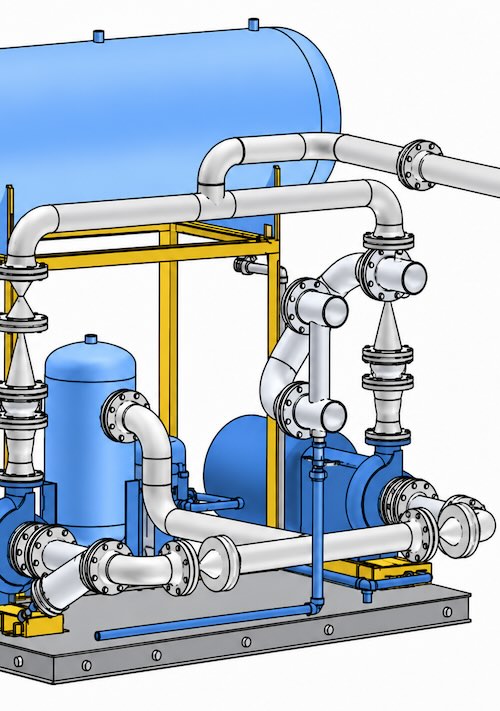
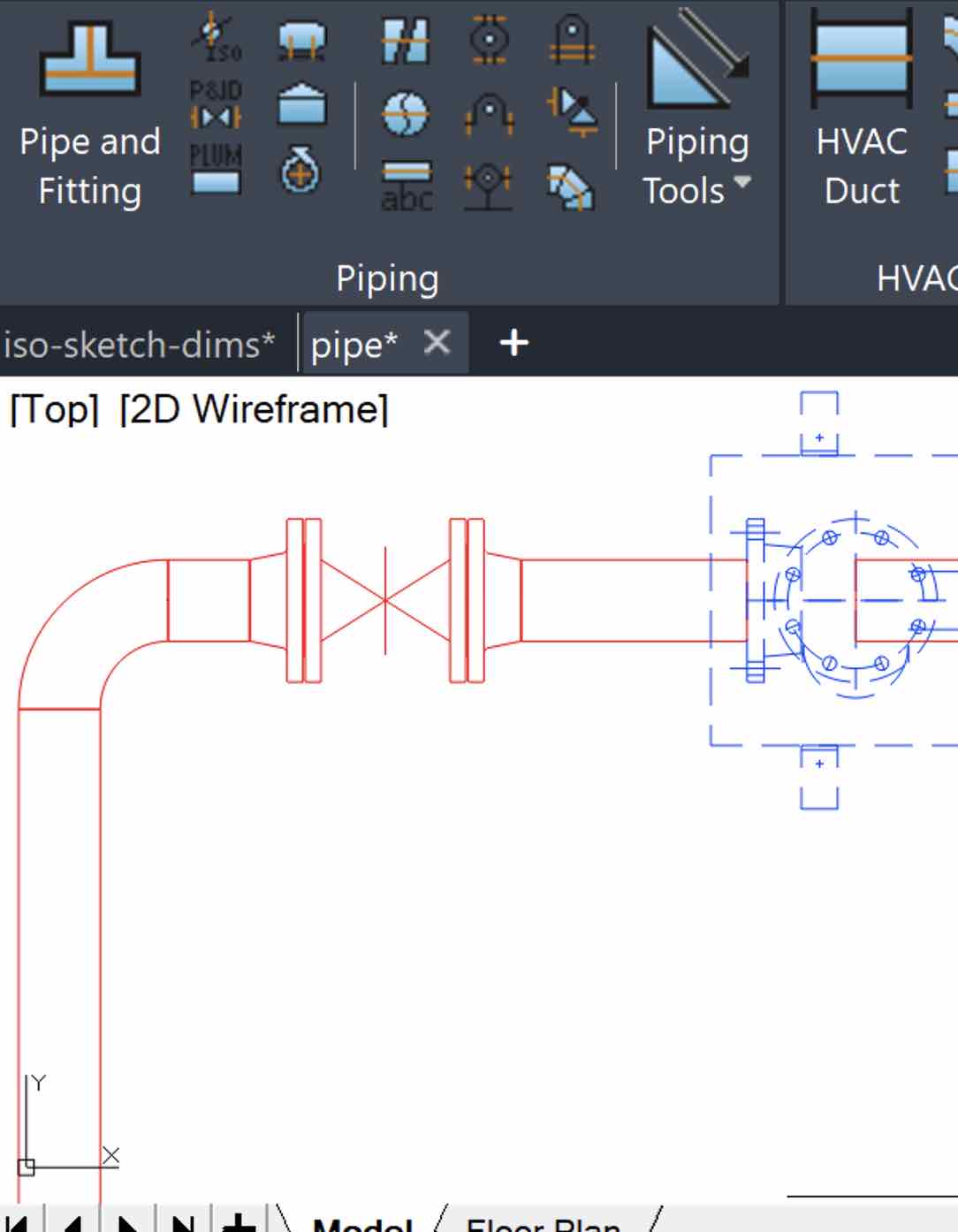
Our award-winning CAD platform excels in complete 2D & 3D design, including specialized applications for plant and piping. AViCAD also includes comprehensive Ducting, Structural, and Mechanical tools, making every engineering project effortless.
Very affordable
With AViCAD, you get access to a wide range ofres that will help you create high-quality designs, without breaking the bank. Whether you're an engineer, architect, or designer, AViCAD is designed to meet your needs and help you streamline your workflow.
Writes to DWG
By default, the software writes to AutoCAD® DWG format which makes it easier for users to share their work with AutoCAD® users. Furthermore, we regularly update AViCAD to keep up with the latest AutoCAD® releases with the most up-to-date compatibility features.
AutoCAD®-like software at a quarter the price
AViCAD is an AutoCAD alternative software that works with DWG files and costs a fraction of traditional CAD subscriptions.
Are you tired of overpriced and over-complicated CAD software? Are you sick of paying for subscriptions costing you thousands of dollars annually?
AViCAD is powerful CAD software that is easy to learn and use, making it an excellent choice for experienced and novice users.
How customers have benefited from AViCAD
Just like AutoCAD
When my projects are completed, I simply save the file, and just like AutoCAD I can share it with my consultants. Love it.
Pete S GA USA
Quite impressed!
I have sold, trained, and used CAD for over 50 years. Started with Intergraph, who sold MicroStation then Autocad, Dassault etc. I am quite impressed!
John Murray
Wonderful engineering software
All the tools I need to get my engineering projects finished. Thanx for your wonderful engineering software.
R Goodman, PA USA
Download AViCAD today
See why it's your best AutoCAD® alternative. Take AViCAD for a test drive, free for 30 days. Get Started, No CC Required.
AViCAD is more than just a CAD program — it’s built to keep you productive without adding complexity. Along with core drafting tools, you get built-in utilities like PDF to DWG and STEP/IGES converters, plus large block libraries designed for real-world drawings.
Everything works together to support your everyday workflow so you can get more done with less effort, all within a familiar AutoCAD-style environment that works directly with native DWG files — making AViCAD a practical AutoCAD alternative— no conversions, no extra steps.
3D PDF export tool
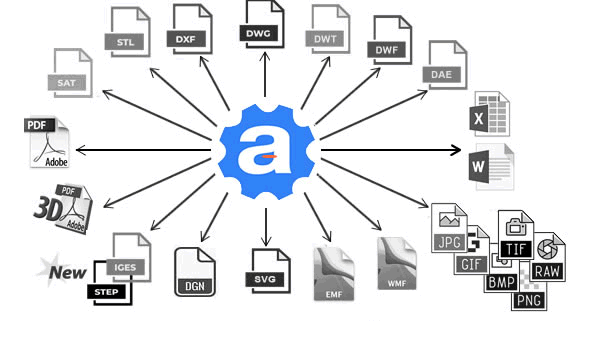
Share your work without requiring CAD software. AViCAD allows you to export your 3D models directly into PDF format so others can view, zoom, and explore your designs without needing CAD on their end. It’s a simple way to collaborate and present your work without adding extra steps or complexity.
File Converters
AViCAD Plus ships with a PDF to DXF Converter, a STEP/Iges converter, a 3D PDF generator, and a high-resolution vector PDF printer is in-built. Plus, there are over 15 ways to export your DWG to various file types.
Learn As You Go
You don’t need to figure everything out on your own. AViCAD is supported with practical training resources, including short videos, step-by-step tutorials, and quick reference cheat sheets. Whether you’re new to CAD or getting back into it, you can learn what you need as you go—without being overwhelmed.
Massive Block Libary
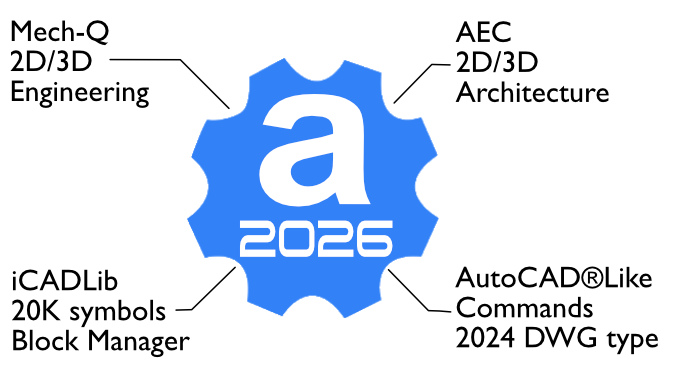
Start faster with ready-to-use content. AViCAD includes a large library of over 20,000 blocks covering electrical, mechanical, and architectural elements. Everything is organized and easy to access, and you can also add and manage your own blocks, helping you save time and avoid rebuilding common components.
Cleaner than Autocad
I love this software. It loads quickly, is faster and cleaner than Autocad, has more useful add ons for real world work and I just deleted 50GB more of Autocad files.
Dan M GA USA
Enjoying every minute of it
We purchased AViCAD when it first released and have been using it ever since. We’re free from expensive updates from “big A” and enjoying every minute of it.
Mark Simmons, Verona WI
Still be saving money
With the money saved by switching to AVICad I’m getting a new CAD laptop and I’ll still be saving money over AutoCAD subscriptions!
Ralph S, CA
Why Choose AViCAD?
These days CAD software can feel heavy, overbuilt, and hard to navigate. AViCAD is different — it keeps things practical, familiar, and efficient so you can spend less time learning and more time completing real projects.
Extremely Economical
AViCAD licenses are available as perpetual or subscriptions. With Perpetual licenses, upgrading to the latest version is always optional. You can use it for as long as you need.
Engineering & AEC Tools
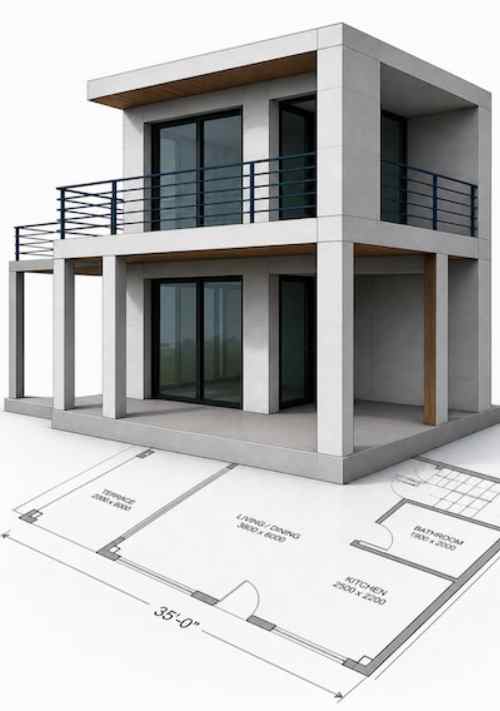
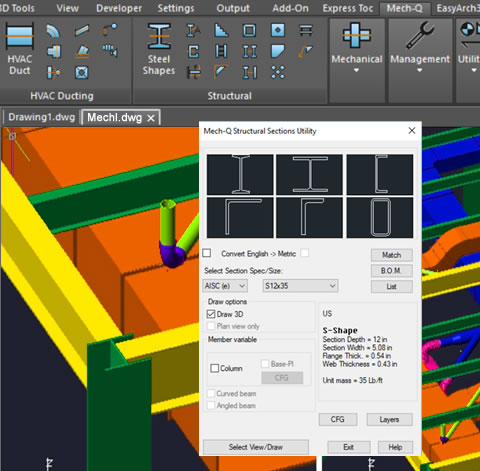
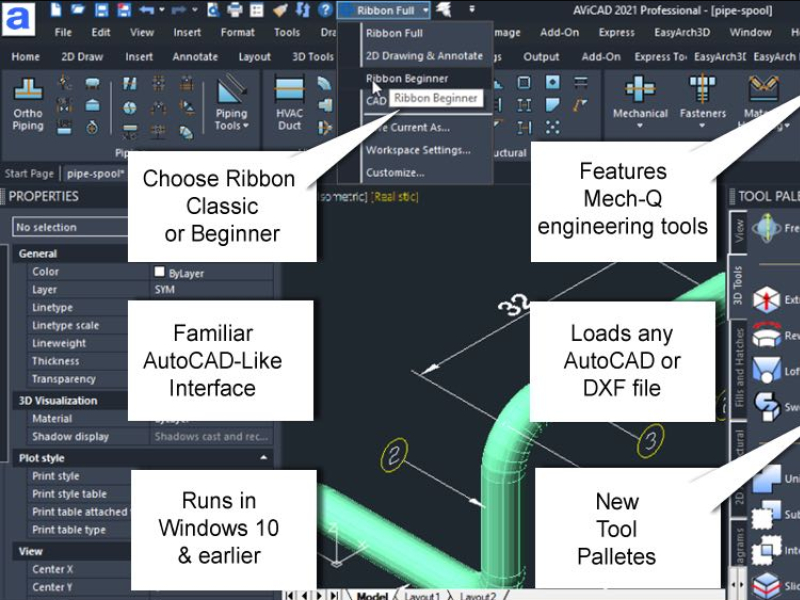
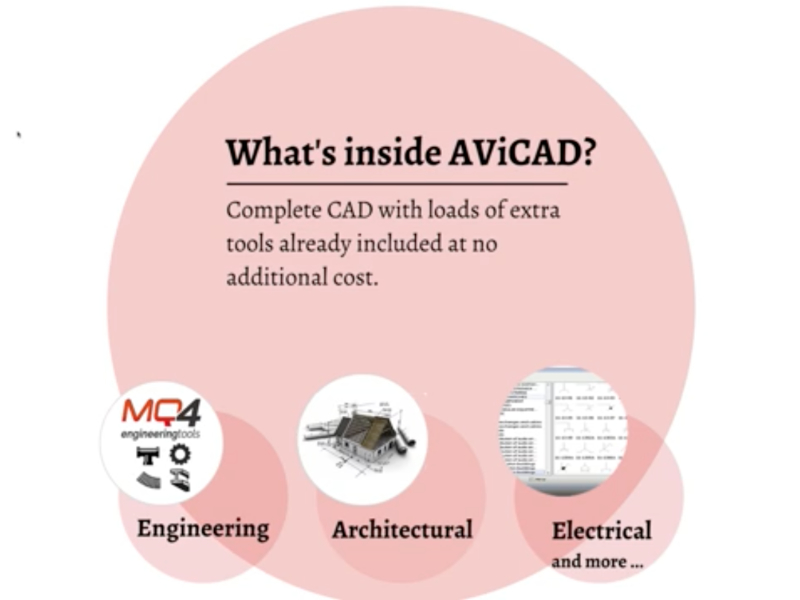
AViCAD includes built-in tools for engineering and architectural work. The Mech-Q suite covers piping, mechanical, HVAC, and structural design, while AEC tools help you create walls, doors, windows, and layouts—all within one consistent drafting environment.
Support And Training
You’re not on your own. AViCAD includes practical training resources such as short videos, step-by-step tutorials, and helpful guides, along with ongoing support. Whether you’re new to CAD or returning after time away, help is always available when you need it.
AutoCAD®-Like Workflow
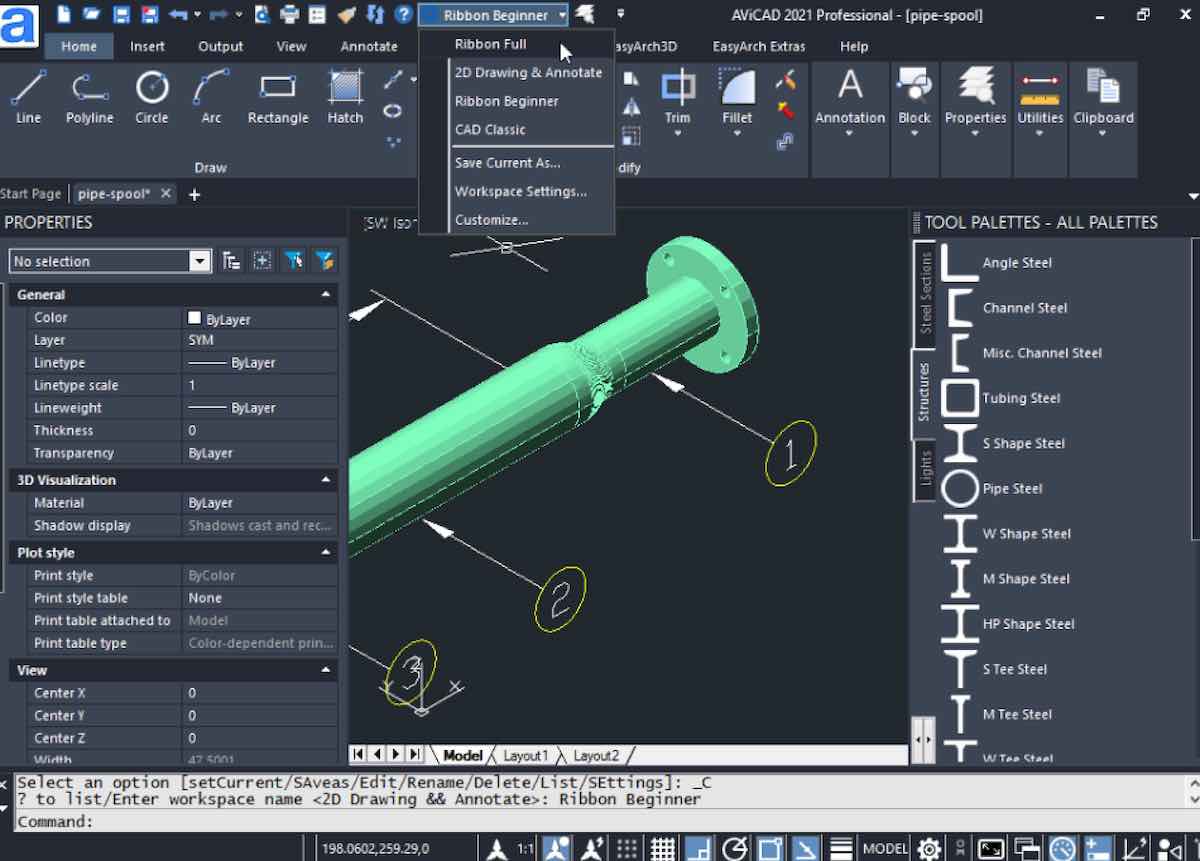
AViCAD feels familiar from the start. Common drafting tools and workflows behave the way you expect, helping you work comfortably without relearning everything. You can choose between Classic and Ribbon interfaces and continue drawing using a workflow that feels natural.
Complete Ownership
Perpetual
Perpetual / Non-Subscription
Perpetual licensing is available. You own the license outright.
AViCAD 2D/3D
Mech-Q Suite
Maintenance.updates w/i current AViCAD version
Run AViCAD indefinitely (in XP-W11)
Standard and Plus versions are available.
Monthly and Yearly Plans
Subscription
MonthlyYearly
Simply affordable. Same features as perpetual..
AViCAD 2D/3D
Mech-Q Suite
Bonus Tools
Free updates while subscribed
Plus version included
No contract
FAQ
What’s required to run AViCAD?
AViCAD is compatible with a wide range of Windows® operating systems, from XP to Windows 11. It requires an Intel Pentium® or more powerful processor, at least 1 GB RAM (2 or more GB recommended), and 1+ GB of hard disk space, making it very easy to get started with various hardware setups.
I’m new to CAD. Is AViCAD for me?
Absolutely! AViCAD, a user-friendly and the best AutoCAD alternative is perfect for beginners. Our intuitive tools and comprehensive training resources, including videos and a beginner’s CAD course, make it easy to start your CAD journey.
I have AutoCAD. Are the Mech-Q tools available separately?
Yes, our Mech-Q tools, known for their ease of use in piping design and more, are available as an add-on for AutoCAD® and other CAD applications. Ask our support staff about more integrations.
Why do users choose AViCAD as their AutoCAD alternative?
Users choose AViCAD because it offers a familiar AutoCAD-style experience, works natively with DWG files, and provides a cost-effective CAD software alternative without subscription lock-in.
How does AViCAD convert AutoCAD files?
AViCAD uses DWG as its native file format, enabling it to open, edit, and save any DWG file created by AutoCAD® (version 2.5 to 2024) without any conversion or data loss, ensuring a smooth transition for AutoCAD users.
Is the Mech-Q Suite free with AViCAD?
Yes, the Mech-Q Suite is included with AViCAD at no additional cost. This suite, priced at $899, adds immense value, reinforcing AViCAD as a top-tier and cost-effective alternative to AutoCAD.
Can I import my existing AutoCAD projects?
AViCAD allows you to import and work on your existing AutoCAD projects without losing any data or detail, ensuring a seamless transition to our more affordable and robust platform.
Yes, the Mech-Q Suite is included with AViCAD at no additional cost. This suite, priced at $899, adds immense value, reinforcing AViCAD as a top-tier and cost-effective alternative to AutoCAD.
How does it compare with AutoCAD?
AViCAD has many of the same features as AutoCAD, including advanced 2D and 3D modeling. Our HVAC, structural, and piping tools are unique additional features. This makes AViCAD not just an alternative but, in many ways, a better choice for CAD engineers.
Is technical support available for AViCAD users?
We provide comprehensive technical support for all our users. Our team is dedicated to assisting you with questions or issues, ensuring a very productive AViCAD experience.
Is there a learning curve in switching from AutoCAD?
While any new software has a learning curve, AViCAD’s interface and functionality are designed to be familiar to AutoCAD users. Most find the transition smooth and straightforward, with our extensive video library and support, which will further ease the process.